

Usage & costs
What generations cost, and where admins see spend.
Every generation has a real model cost, and Hype Flow records it at the moment it’s billed — per run, per model, per provider.
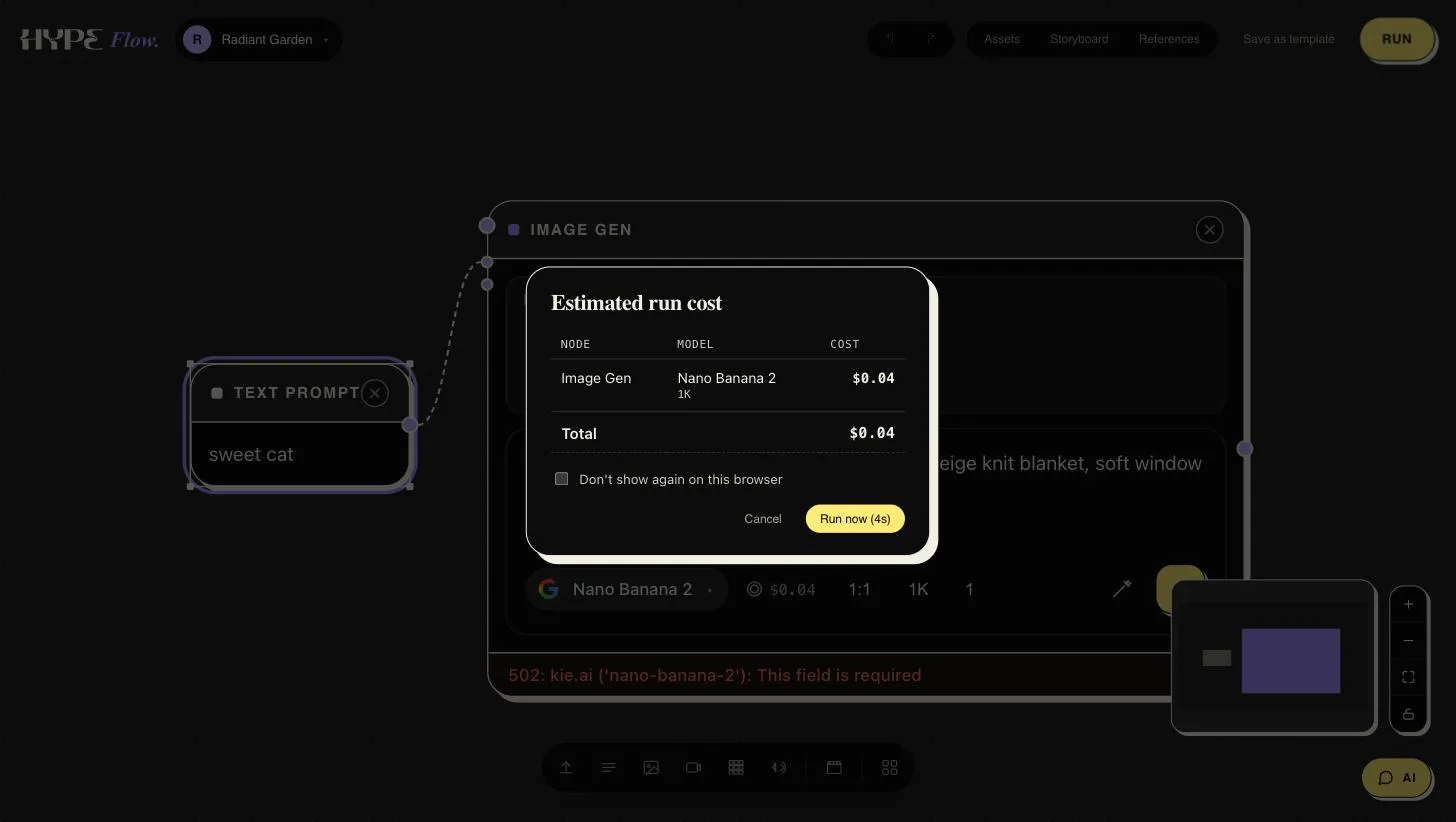
You see cost before you spend, too: a graph run shows its estimated cost per node — model and total — before dispatching, so a heavy run never surprises you.
The usage dashboard
Section titled “The usage dashboard”Organization admins get a usage view with:
- Daily spend — a day-by-day chart of generation costs.
- Breakdowns — which models and which kinds of work (image, video, audio, LLM) the spend went to.
- Recorded per generation — costs attach to the actual runs, so a spike always traces to the project and node that caused it.
What drives cost
Section titled “What drives cost”- Video is the heavy tier. Duration × resolution is the multiplier that matters; a 1080p clip costs a multiple of its 720p draft.
- Batches multiply. A Collection run costs roughly per-image × count — skim the plan before large counts.
- Premium image models (the
-pro/-premiumtiers) cost several times the standard tiers. Draft on a standard tier, finish on premium. - LLM steps are comparatively cheap — prompt expansion is rarely the line item that hurts.
Practical habits
Section titled “Practical habits”- Draft at low resolution / short duration, then re-run the keeper at delivery quality.
- Use per-frame regeneration on collections instead of re-running whole batches.
- Check the daily chart after a heavy campaign day — surprises should be boring and explainable.
Limits and provider configuration are managed by your administrators.