

Styles & the library
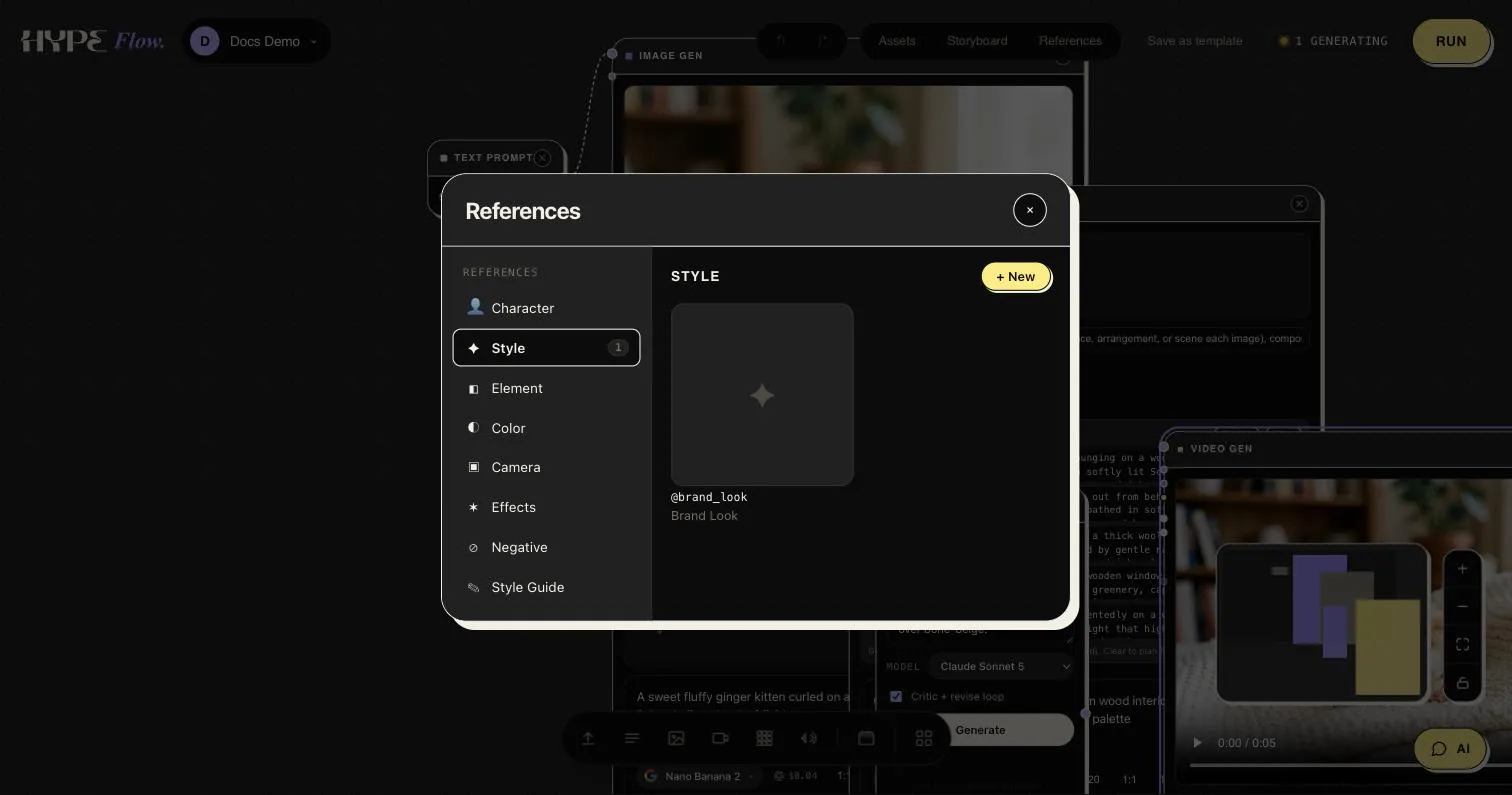
The References panel — reusable, @-taggable prompt building blocks, organized by category.
Every project has a References panel (open it from the canvas top bar): a
library of reusable prompt building blocks, each addressable with an
@-tag. Describe a look, a character, or a no-go list once, properly — then
reference it by name instead of retyping it.
What lives there
Section titled “What lives there”Entries are organized by category:
| Category | For |
|---|---|
| Character | A recurring person or subject, described for identity consistency. |
| Style | A visual look — palette, lens, lighting, grade, mood. |
| Element | A recurring object or prop. |
| Color | A palette on its own. |
| Camera | Framing and movement language. |
| Effects | Grain, glow, texture treatments. |
| Negative | What to keep out of frame. |
| Style Guide | The long-form version — a full written look-book. |
Each entry has a label, a snake_case slug (that’s the @-tag), a
prompt-ready description, and optionally an image — so a character
entry can carry its canonical photo alongside its text.
Using entries
Section titled “Using entries”Type @ in the chat companion’s composer and the library
autocompletes:
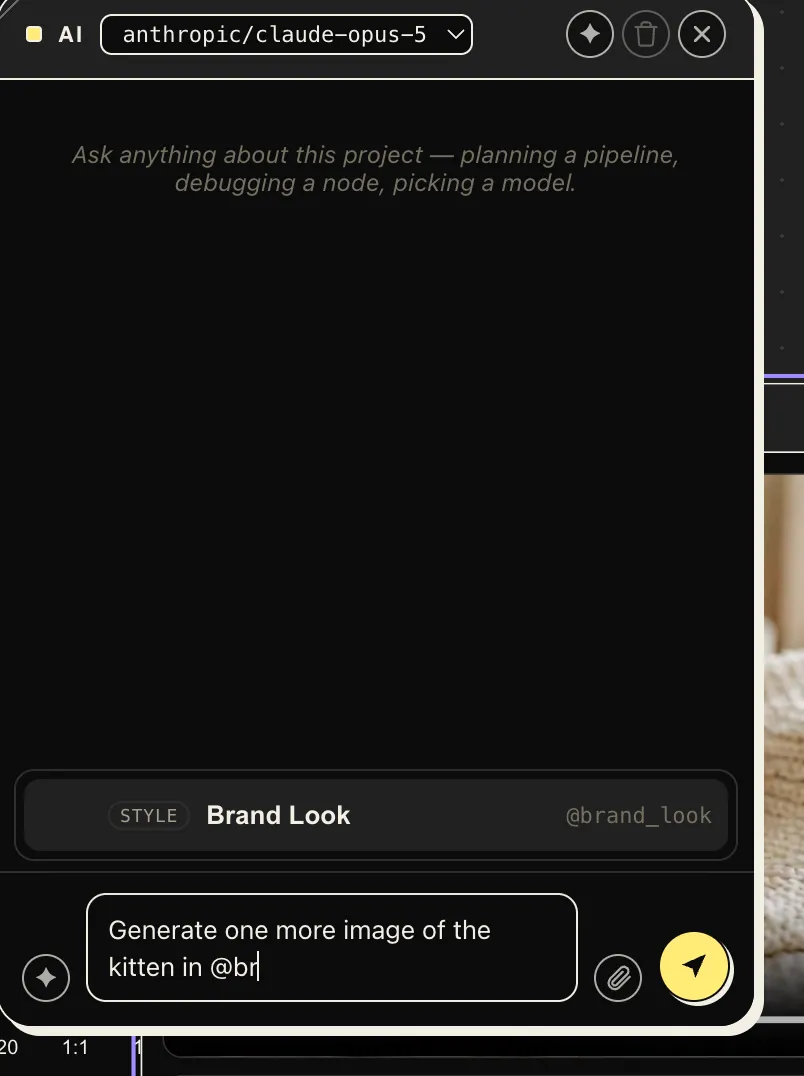
The assistant folds the entry’s description verbatim into the prompts it
writes for nodes — ask for “one more shot of the kitten in @brand_look”
and the full palette-lens-lighting description lands in the generated
prompt, every time, unabridged.
Why bother
Section titled “Why bother”A style that lives in prompts is a style that drifts — every retype loses a clause. A library entry is one source of truth: refine it once and every future prompt that references it picks up the change.
Writing good entries
Section titled “Writing good entries”- Prompt-ready, not aspirational. The description is inserted as-is — “Muted bone-and-ink palette, warm wood and wool textures, soft northern daylight, 35mm, shallow depth of field” beats “clean and premium”.
- Slug for the autocomplete: short, lowercase, specific —
@brand_look,@no_text_artifacts. - Characters get an image. Attach the canonical photo so identity travels with the words — and see Reference images for how images do the identity work in generation itself.
Where they shine
Section titled “Where they shine”- Collection briefs — one tag keeps a whole batch on-brand.
- Chat-driven workflows — “use
@brand_look” is a complete art direction, whether the person typing it is you or Claude over MCP. - Handoffs — a project’s References panel is its art-direction brief.